Lipiflow System redesign
for Johnson and Johnson Vision
Introductory to the project.
Research
Design Objectives
•Lower cost of goods to gain an advantage in a rapidly growing completive marketplace
•Streamline useability; make the device intuitive, simpler, and easier to operate
•Increase treatment throughput; only 0.5% of patients that come into the office end up getting the treatment.
•Update components to avoid obsoletion: current CPU is slated for obsoletion.
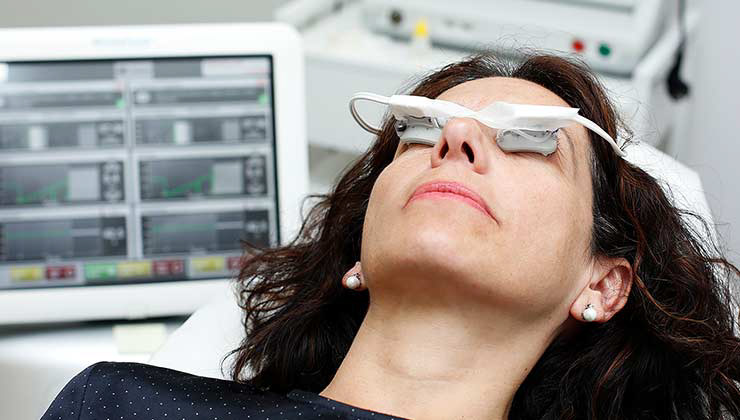
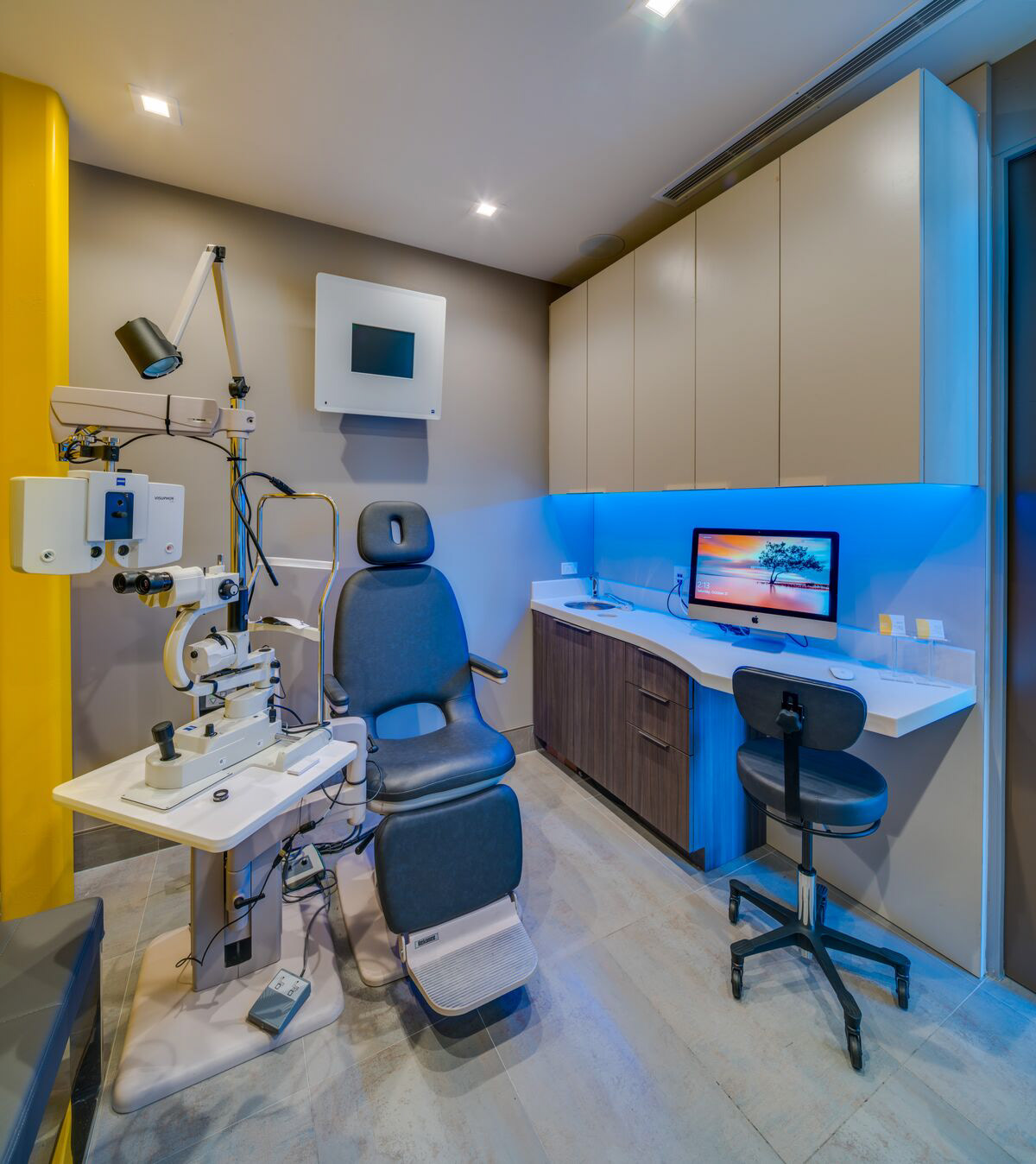
Users and Environment
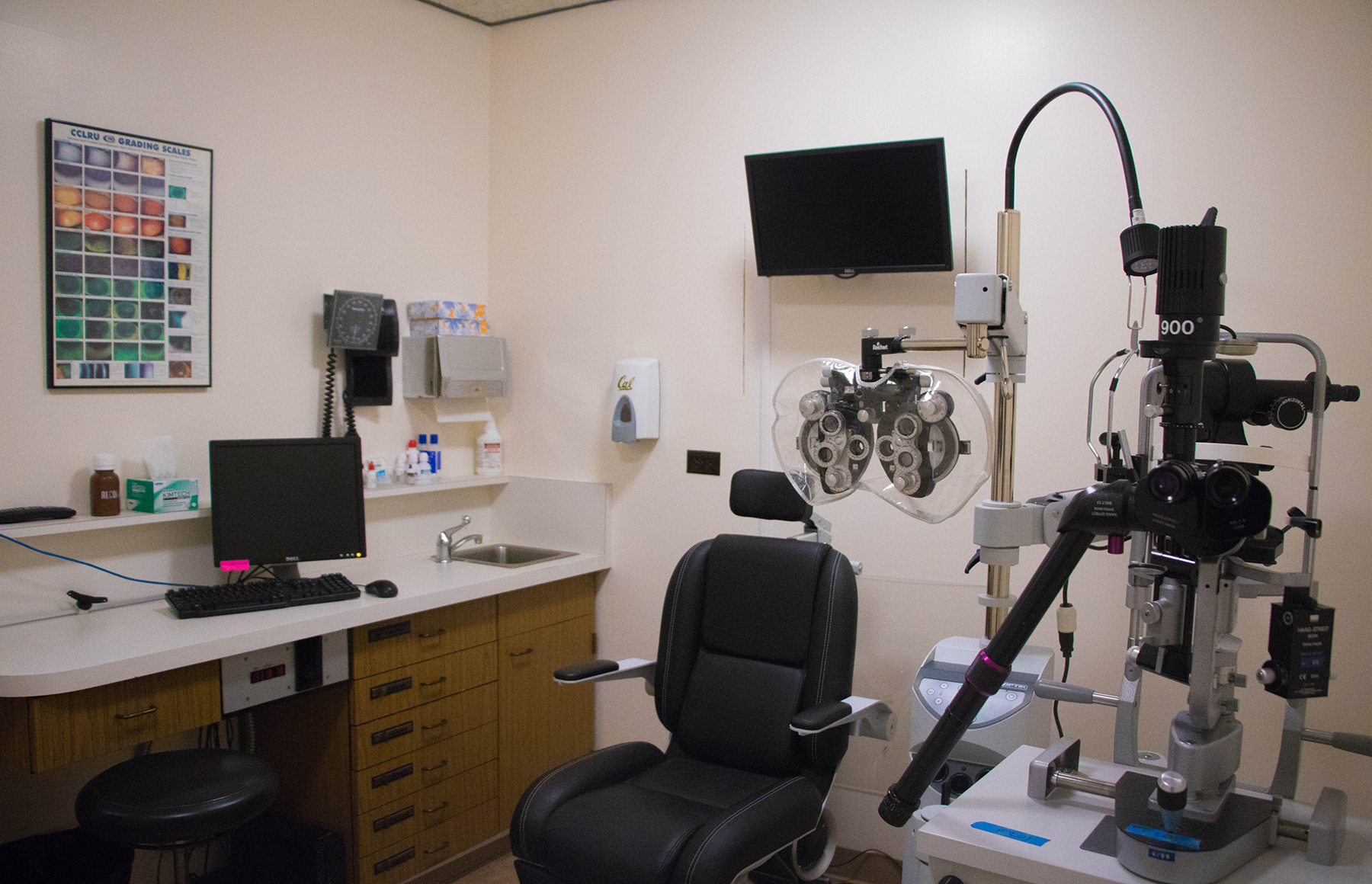
The device will generally be used inside an optometrist or
ophthalmologist's office. It will be a clean, air-conditioned, interior
environment. Typically located in a relatively small and dimly lit room with various other equipment. The lack of available space and dim lighting a compact size and easy-to-use operation.
ophthalmologist's office. It will be a clean, air-conditioned, interior
environment. Typically located in a relatively small and dimly lit room with various other equipment. The lack of available space and dim lighting a compact size and easy-to-use operation.
The device will principally be used by trained techs familiar with the equipment and its use and is not meant for use by patients or people unfamiliar with the device's functions. Users will often be wearing gloves and other PPE.
Use Case
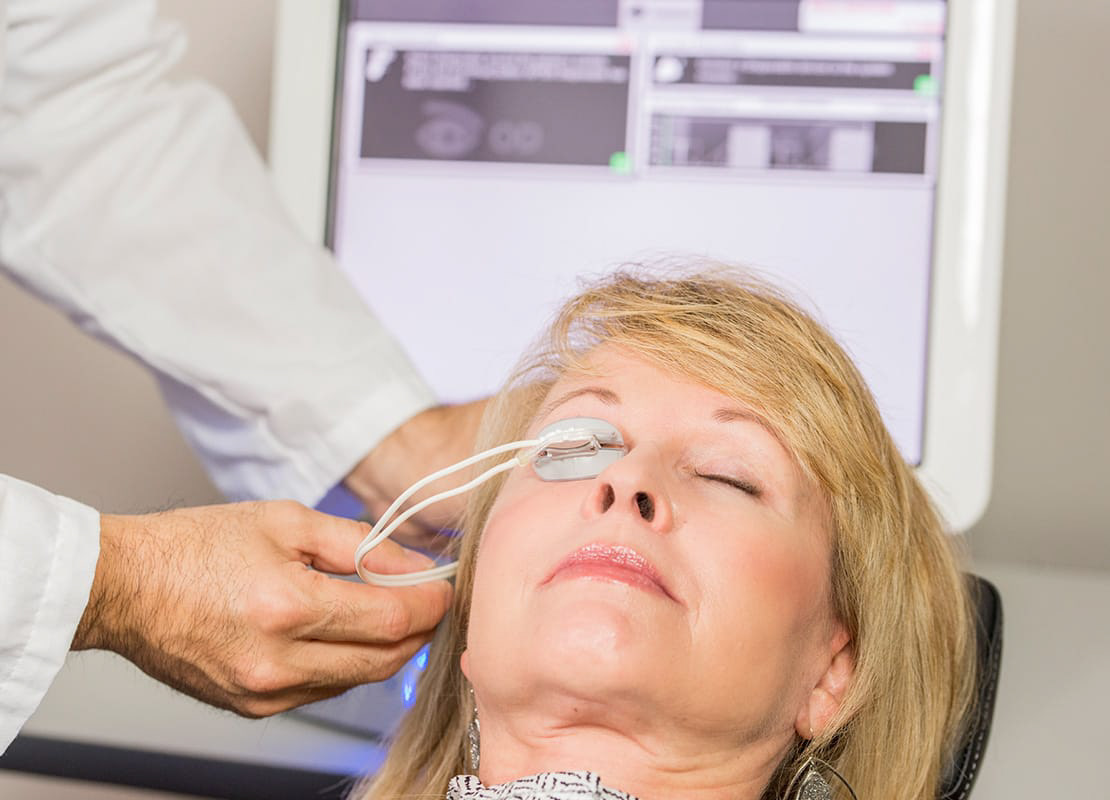
The use of the new system will largely resemble the current one
regarding the patient's experience. During the consultation, the
patient is assessed and prepped for treatment. They will be reclined in the chair to have the activator(s) placed. Once the activators are in place treatment can begin.
regarding the patient's experience. During the consultation, the
patient is assessed and prepped for treatment. They will be reclined in the chair to have the activator(s) placed. Once the activators are in place treatment can begin.
While a patient's demographics vary widely all treatments are
uniform and do not require customization or patient data storage.
This makes the device plug-and-play. Once the activators are in place and the patient is ready, a technician can begin treatment.
uniform and do not require customization or patient data storage.
This makes the device plug-and-play. Once the activators are in place and the patient is ready, a technician can begin treatment.
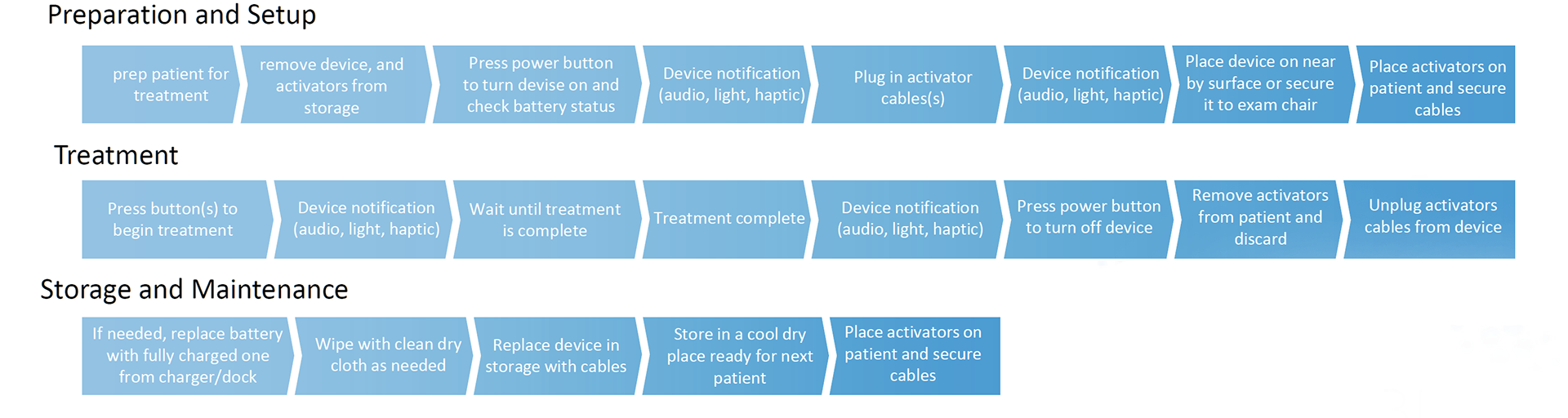
Work Flow
During use, the technician's workflow will differ from the current system as major aspects of the device has changed.
Procedure Notes
•Tech sets up the device, Doctor places activators then leaves.
•Tech stays with patient and talks though what's happening during the procedure.
•Typically in stored dedicated lane with other devices
•Tech sets up the device, Doctor places activators then leaves.
•Tech stays with patient and talks though what's happening during the procedure.
•Typically in stored dedicated lane with other devices
Design Challenges
Communication
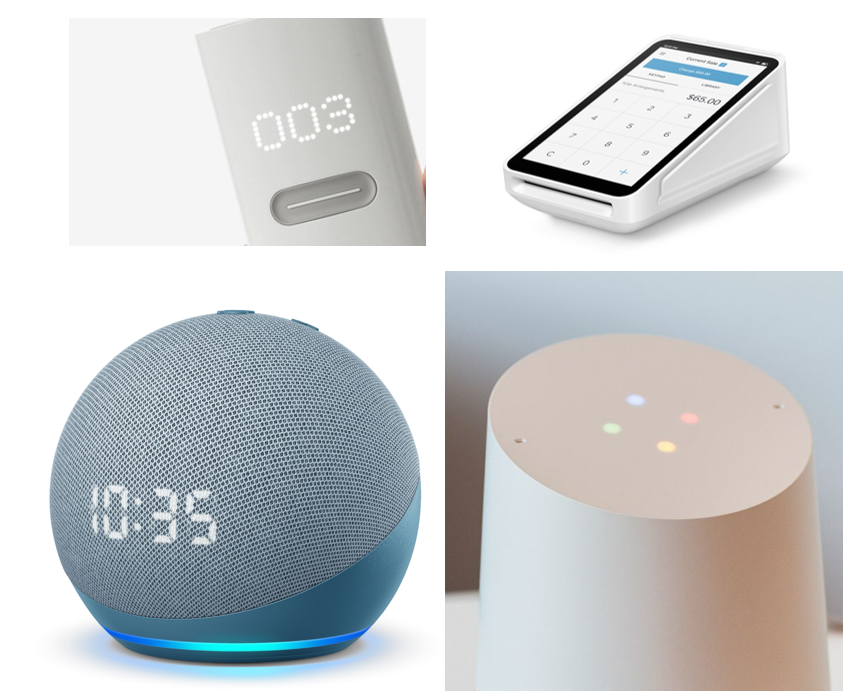
While making the device smaller will reduce the COGs significantly it also makes communication with the user more difficult. Without a large screen to use for graphical and text elements the user interface will rely on other means such as lights and audio.
Ergonomics & Device Handling
With smaller devices storage, and handling became much easier, and valuable counter space is freed up. However, there is no real dedicated space for the device while in use. Slit lamp tables are only just big enough for the lamps and chin rests. Mounting or fixing to the exam chair is an option but they vary widely from practice to practice.
Connectors & Cable Management
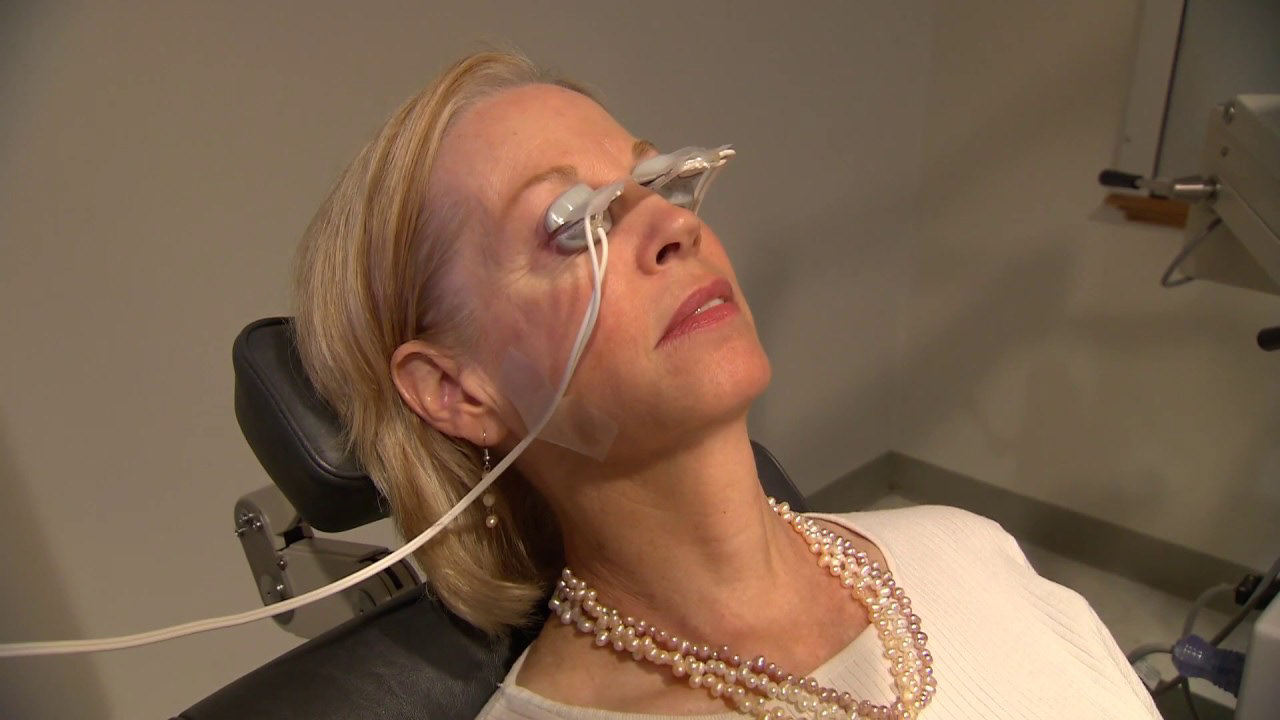
A major pain point is connector design and cable management. The main challenge is accommodating an electrical and pneumatic connection through a single connector. This needs to be secure but easy to use while wearing PPE such as gloves. While in use the activator is taped to the patient’s face to act as a strain relief. This is a simple and practical solution but it doesn’t communicate the value and quality of a premium medical device.
Ergonomic Considerations
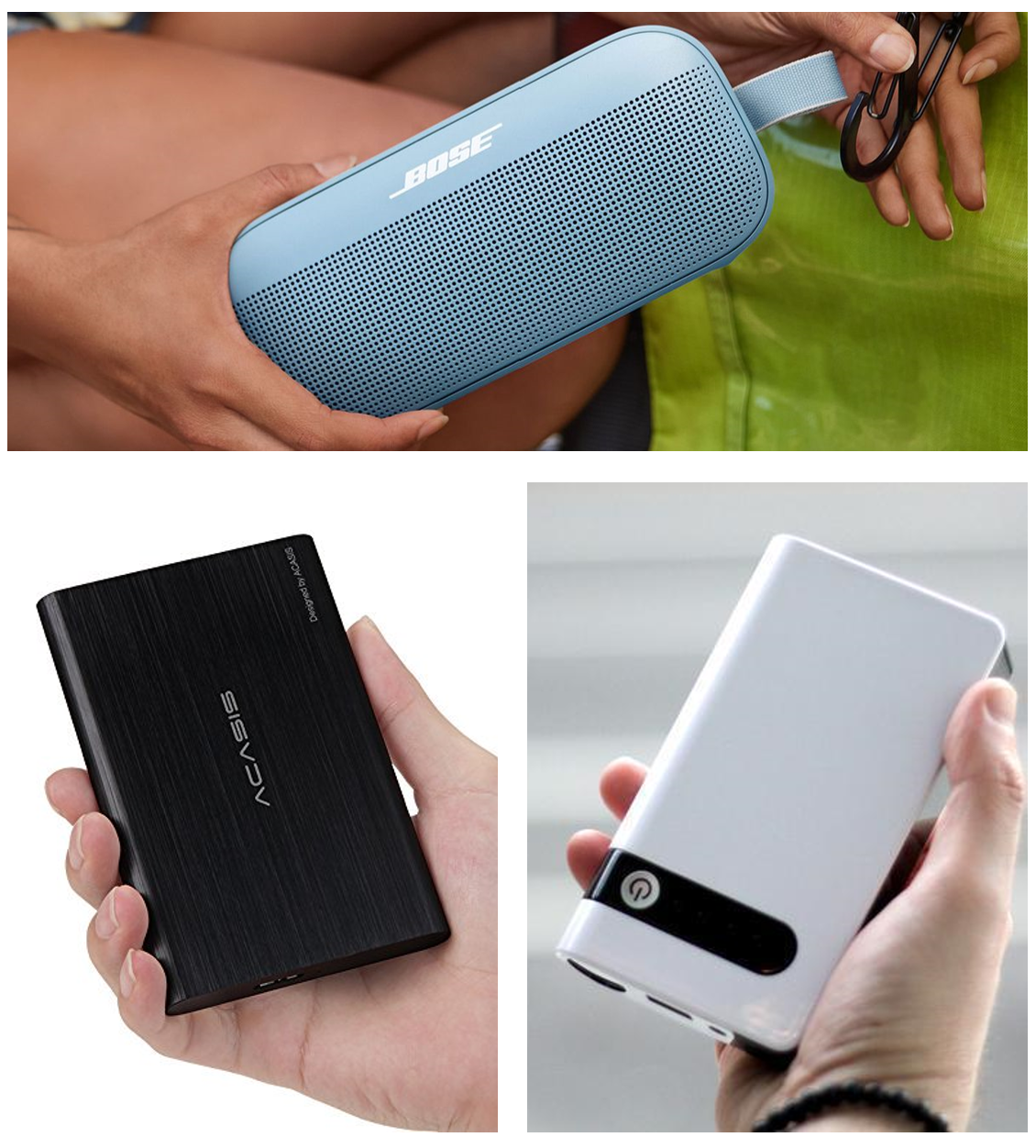
• Must be “portable” but not necessarily a hand-held or wearable device
• Can be stored on a side table/counter., ground, or hanging on a chair
• Form Factor References: Portable Hard Drive, Blue Tooth Speaker, Mini Battery Jumper Boxes